
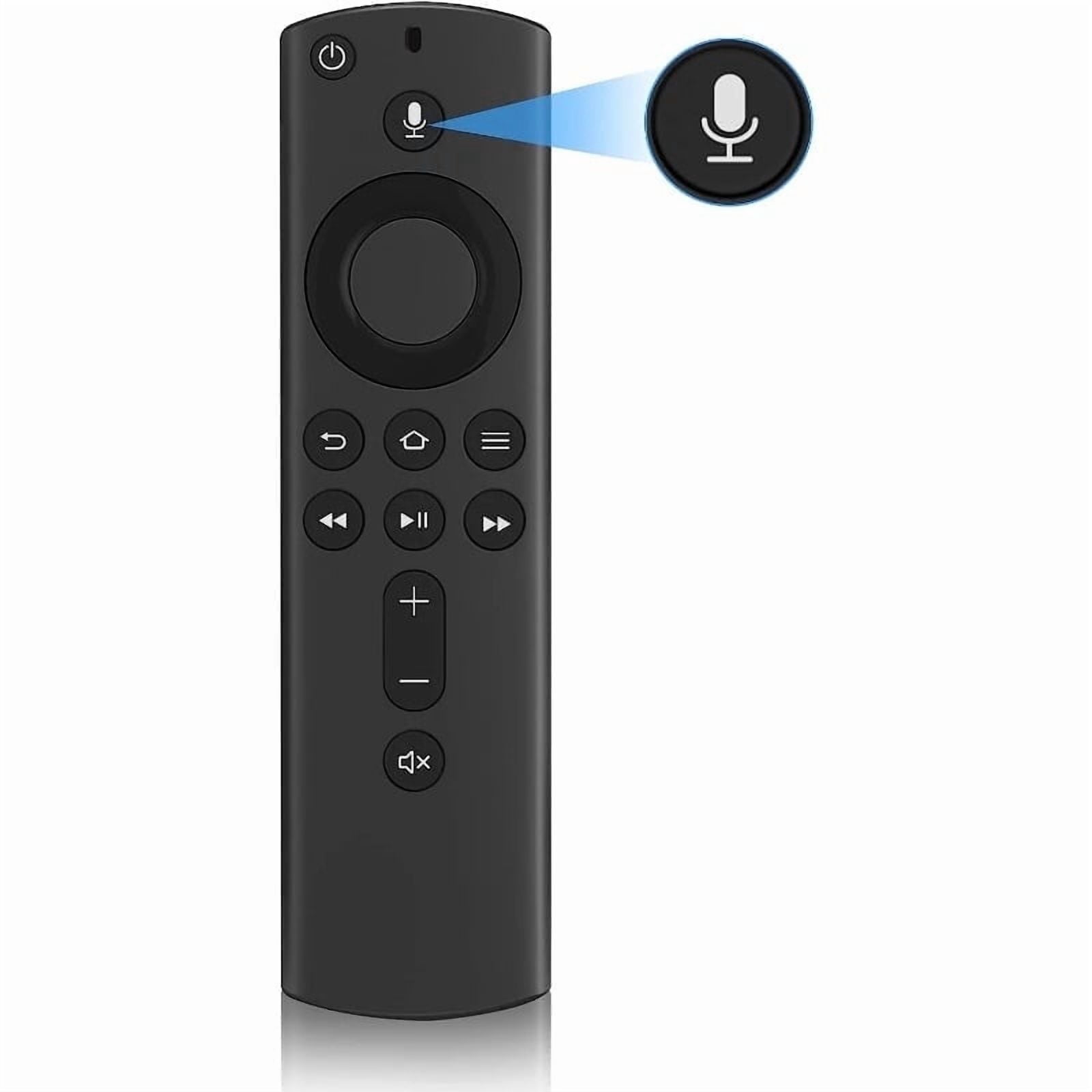
Replacement Voice Remote Control L5B83H with Voice Function Fit for Fire Smart TVs Cube,Fit for Fire Smart TVs Stick 4K,Fire Smart TVs 3rd Gen,Fit for Fire Smart TVs Stick Lite
Product details
| Management number | 238348397 | Release Date | 2026/07/11 | List Price | US$5.56 | Model Number | 238348397 | ||
|---|---|---|---|---|---|---|---|---|---|
| Category | |||||||||
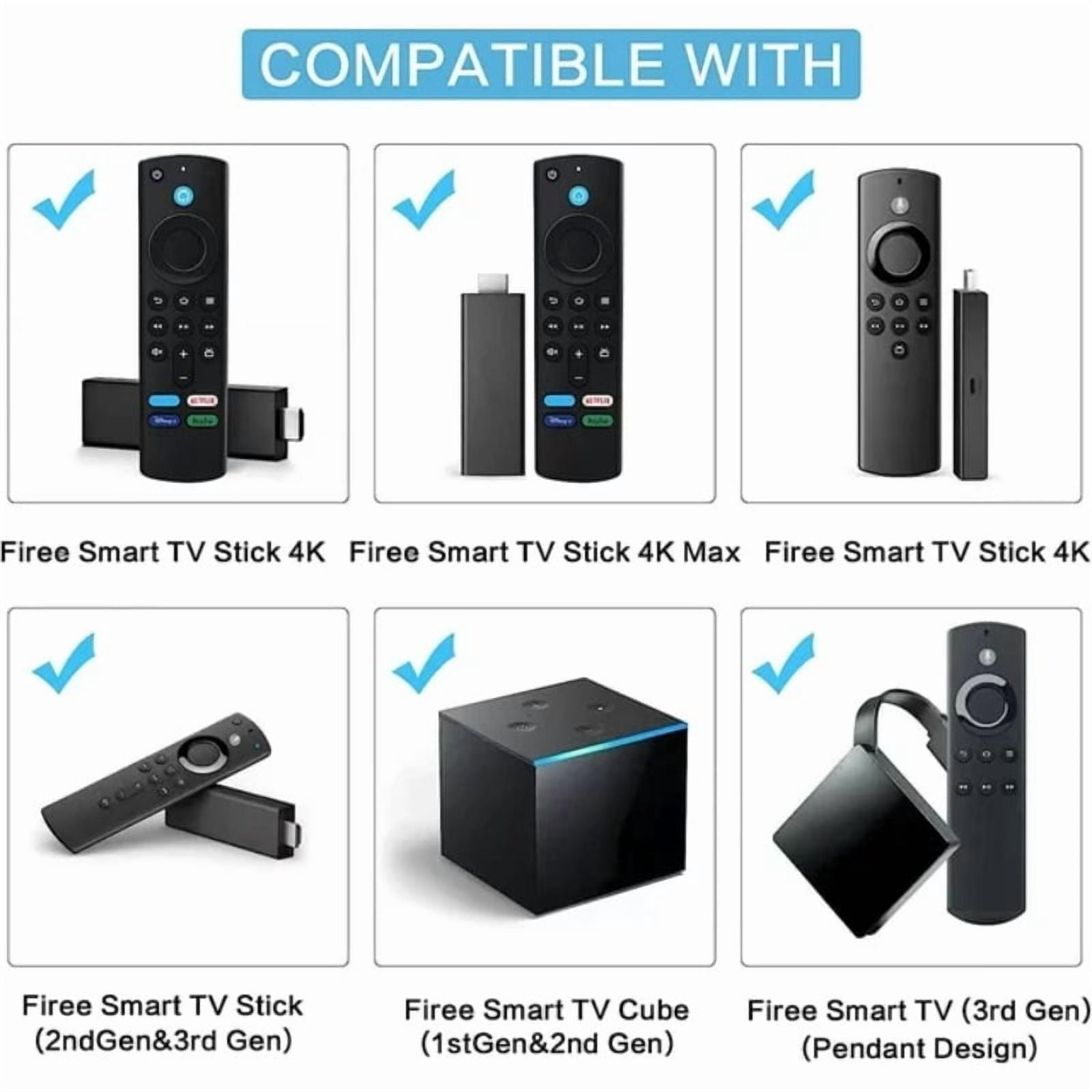
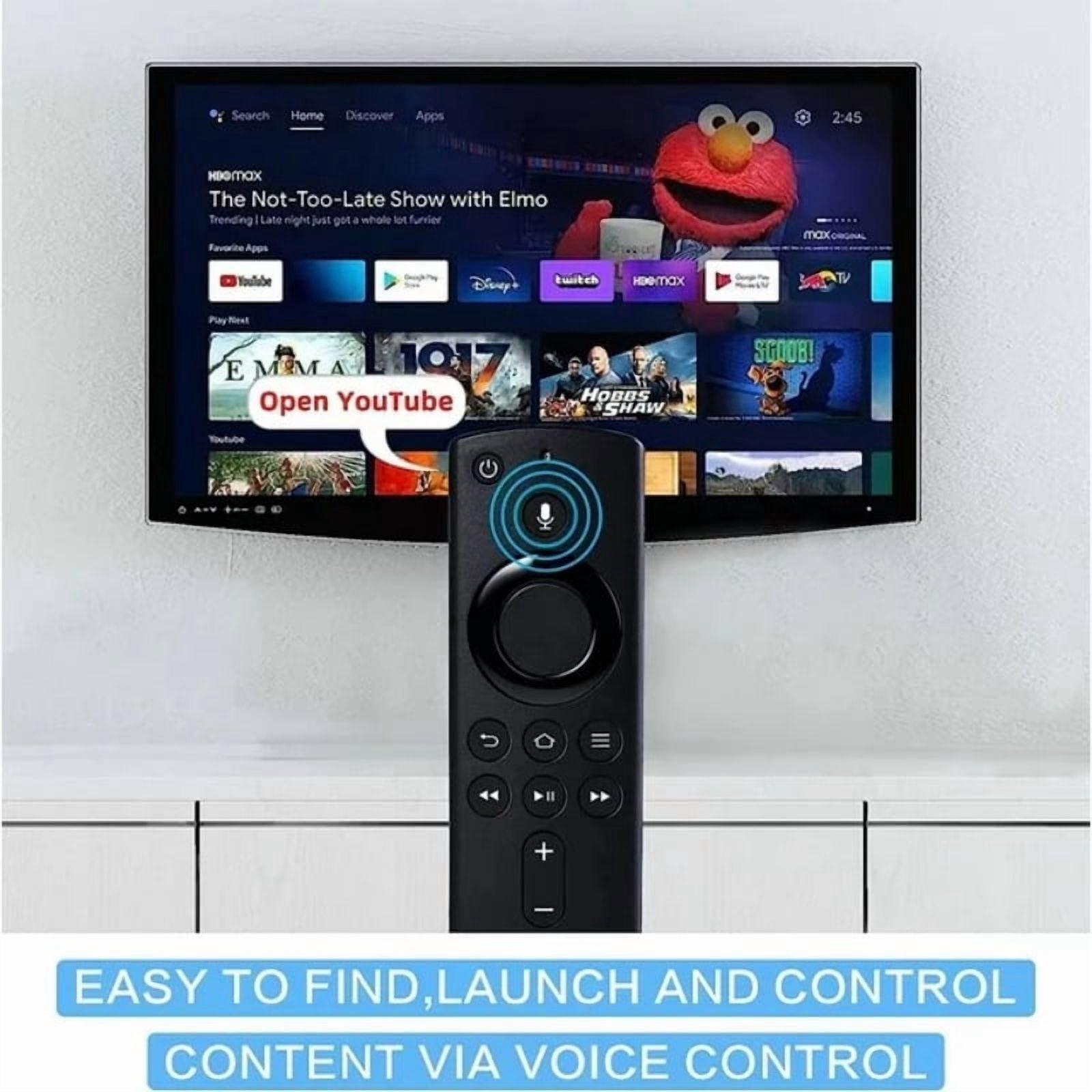
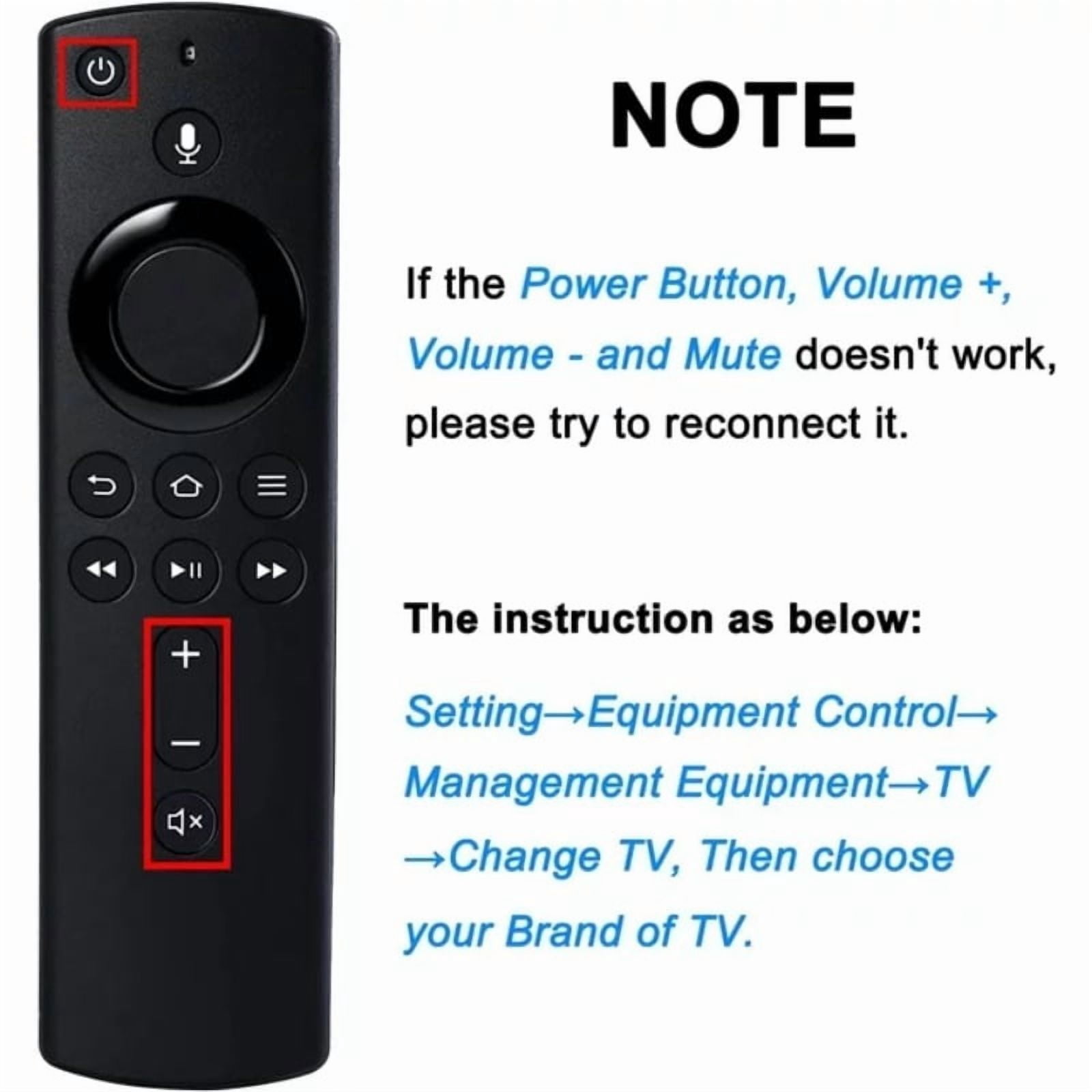
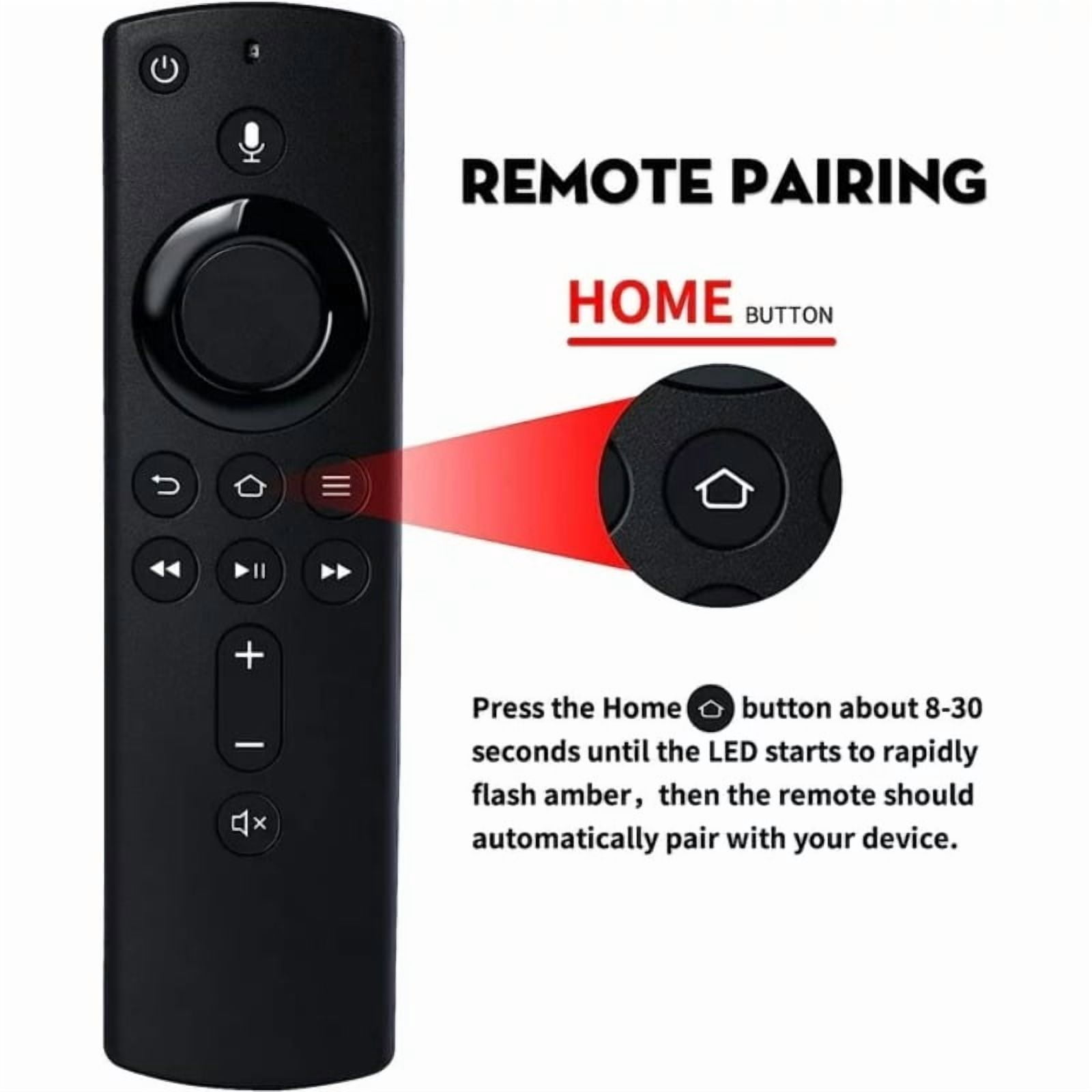
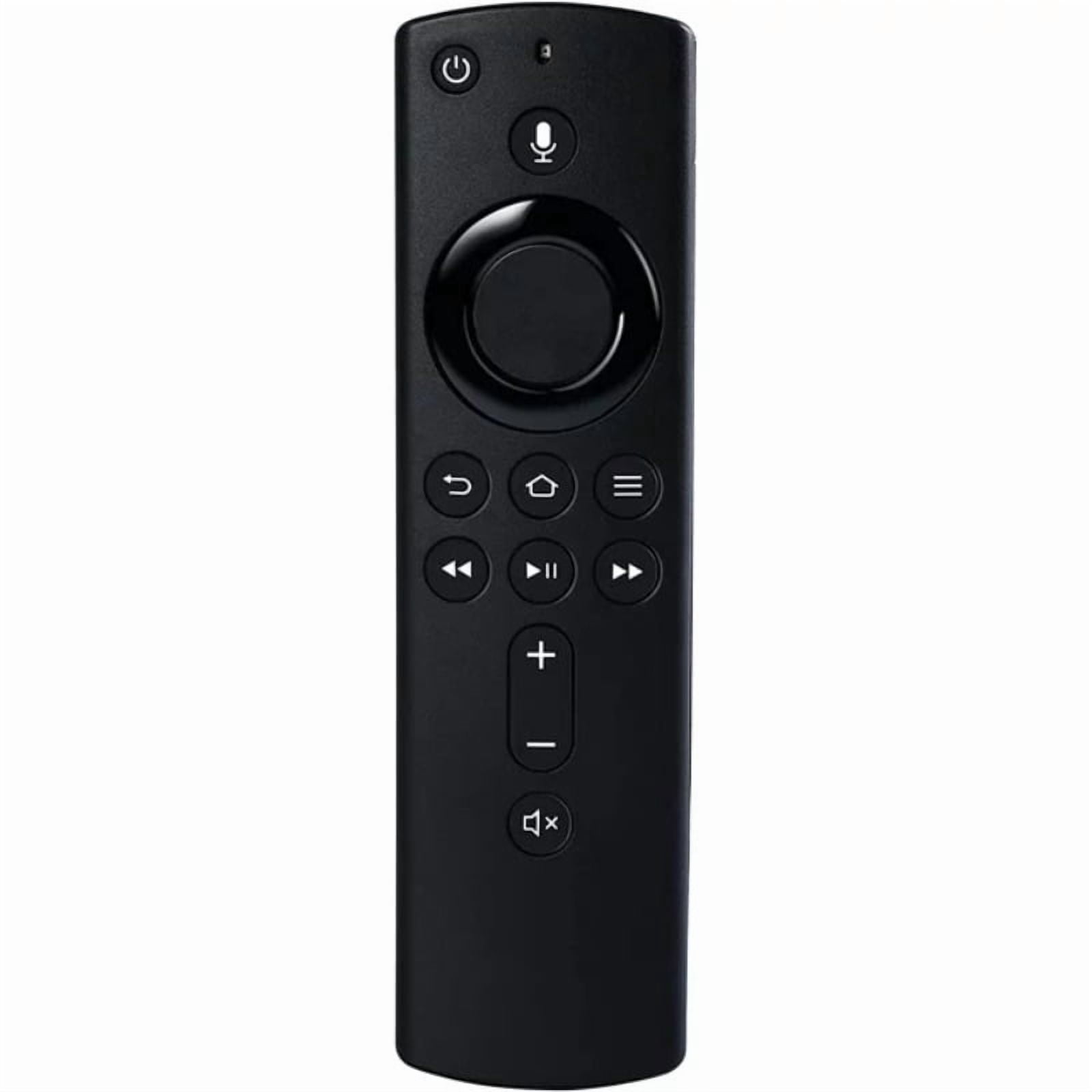
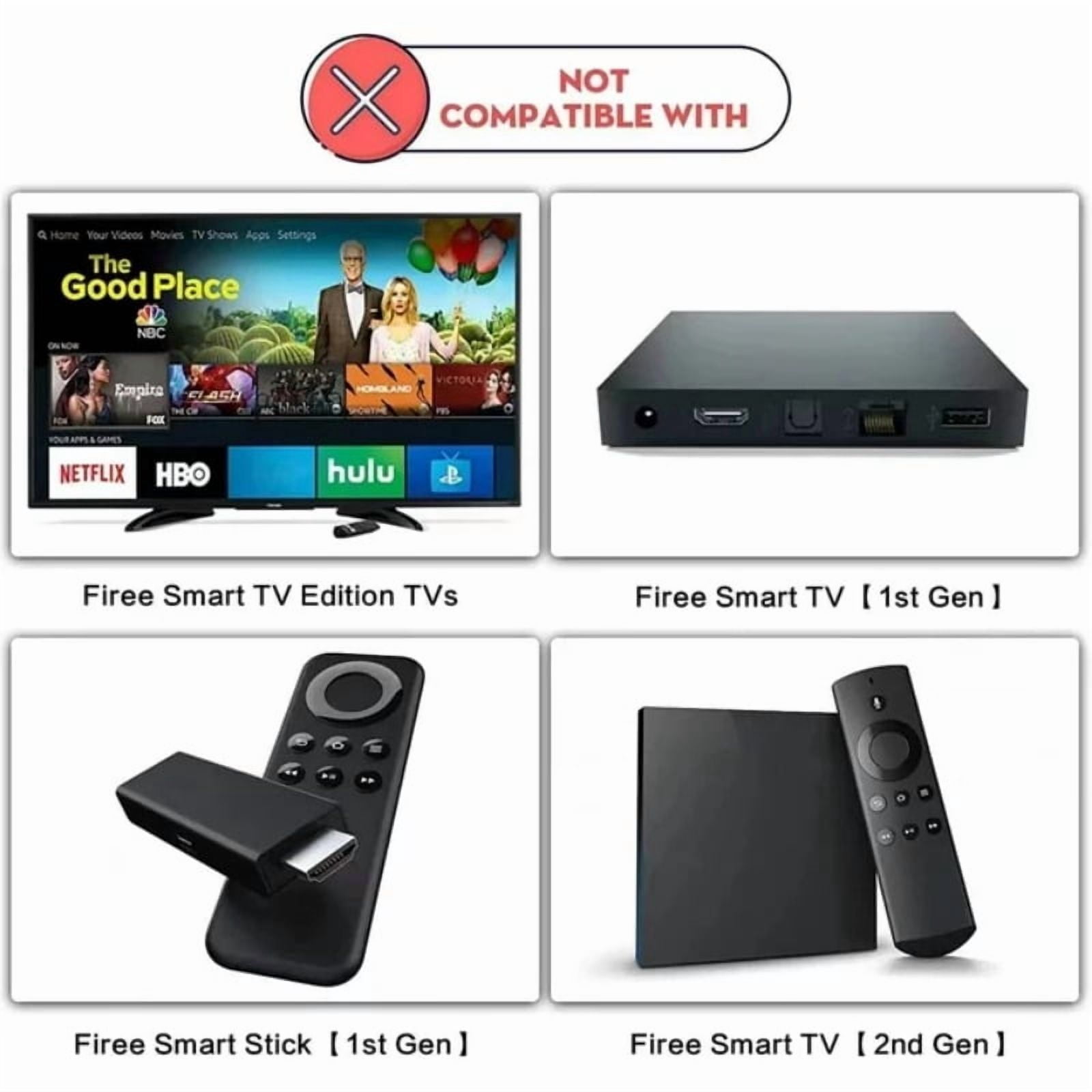
Product details<br>Compatible with Firee Stick Lite/4K/3rd Gen/2nd Gen/Cube (2nd Gen)/Cube (1st Gen)/3rd Gen Pendant Design<br>Not compatible with Firee Stick 1st Gen/2nd Gen/Edition TVS<br>The remote control with Voice function,it is easy to find lauch and control all existing content you want.<br>This remote control needs to be paired before use, and below is pairing steps: Press and hold the Home button on the new remote for 8-30 seconds,then Release until the LED starts to rapidly flash, waiting about 60 seconds(Entering Pairing mode, LED Flash), then the remote should automatically Pair with your device.<br>NOTE: After pairing, if you find the power or volume button does not work, you may need to set it as follow steps: Go to Setting→Equipment Control→Manage Equipment→TV→Change TV, then choose your Brand of TV.<br>L5B83H Replacement Voice Remote Control (2nd Gen)<br><br>L5B83H Replacement Voice Remote Control (2nd Gen)<br>L5B83H Voice Remote Compatible with:<br>Fit for Fires TV Stick (2nd Gen)<br>Fit for Fires TV Stick 4K<br>Fit for Fires TV Stick 2020 Release & 4K<br>Fit for Fires TV Cube (1st Gen)<br>Fit for Fires TV Cube (2nd Gen)<br>Fit for Amazon Fires TV Cube (EX69VW)<br>Fit for Amazon Fires TV Stick (3rd Gen)<br>Fit for Amazon Fires TV (3rd Gen)<br>Fit for Amazon Fires TV Stick Lite<br>firestickreplacement remote<br>Not Compatible with Amazon Fit for Fires TV (1st Gen)<br>Not Compatible with Amazon Fit for Fires TV (2nd Gen)<br>Not Compatible with Fit for Fires TV Stick (1st Gen)<br>Not Compatible with Amazon Fit for Fires TV Edition smart TVs
- Replacement Voice Remote Control L5B83H with Voice Function Fit for Fire Smart TVs Cube,Fit for Fire Smart TVs Stick 4K,Fire Smart TVs 3rd Gen,Fit for Fire Smart TVs Stick Lite
- Compatible with Firee Stick Lite/4K/3rd Gen/2nd Gen/Cube (2nd Gen)/Cube (1st Gen)/3rd Gen Pendant Design Not Compatible with Firee Stick 1st Gen/2nd Gen/Edition TVS A voice-enabled remote control that makes it easy to find and control all the existing content you want.This remote needs to be paired before use, here are the pairing steps: Press and hold the Home button on the new remote for 8-30 seconds, then release until the LED starts flashing quickly, wait for about 60 seconds (enter pairing mode, LED flashes), then the remote should automatically pair with your device. Note: After pairing, if you find that the power or volume button does not work, you may need to set it up as follows: Go to Settings → Device Control → Manage Devices → TV → Change TV, and select your TV brand.L5B83H Replacement Voice Remote (2nd GenL5B83H Replacement Voice Remote (2nd Gen)L5B83H Voice Remote Compatible with:Fit for Fires TV Stick (2nd Gen)Fit for Fires TV Stick 4KFit for Fires TV Stick 2020 Release & 4KFit for Fires TV Cube (1st Gen)Fit for Fires TV Cube (2nd Gen)Fit for Amazon Fires TV Cube (EX69VW)Fit for Amazon Fires TV Stick (3rd Gen)Fit for Amazon Fires TV (3rd Gen)
Fit for Amazon Fires TV Stick Lite
firestickreplacement remoteNot compatible with Amazon Fit for Fires TV (1st Gen)Not compatible with Amazon Fit for Fires TV (2nd Gen)Not compatible with Fit for Fires TV Stick (1st Gen)Not compatible with Amazon Fit for Fires TV Edition Smart TVs - Compatible with Firee Stick Lite/4K/3rd Gen/2nd Gen/Cube (2nd Gen)/Cube (1st Gen)/3rd Gen Pendant Design Not Compatible with Firee Stick 1st Gen/2nd Gen/Edition TVS A voice-enabled remote control that makes it easy to find and control all the existing content you want.
- This remote needs to be paired before use, here are the pairing steps: Press and hold the Home button on the new remote for 8-30 seconds, then release until the LED starts flashing quickly, wait for about 60 seconds (enter pairing mode, LED flashes), then the remote should automatically pair with your device. Note: After pairing, if you find that the power or volume button does not work, you may need to set it up as follows: Go to Settings → Device Control → Manage Devices → TV → Change TV, and select your TV brand.
- L5B83H Replacement Voice Remote (2nd GenL5B83H Replacement Voice Remote (2nd Gen)L5B83H Voice Remote Compatible with:Fit for Fires TV Stick (2nd Gen)Fit for Fires TV Stick 4KFit for Fires TV Stick 2020 Release & 4KFit for Fires TV Cube (1st Gen)Fit for Fires TV Cube (2nd Gen)Fit for Amazon Fires TV Cube (EX69VW)
- Fit for Amazon Fires TV Stick (3rd Gen)Fit for Amazon Fires TV (3rd Gen)
Fit for Amazon Fires TV Stick Lite
firestickreplacement remoteNot compatible with Amazon Fit for Fires TV (1st Gen)Not compatible with Amazon Fit for Fires TV (2nd Gen)Not compatible with Fit for Fires TV Stick (1st Gen)Not compatible with Amazon Fit for Fires TV Edition Smart TVs
| Compatibility | Firee |
|---|---|
| Model | L5B83H |
| Power type | Battery |
| Compatible models | Stick Lite/4K/3rd Gen/2nd Gen/Cube (2nd Gen)/Cube (1st Gen)/3rd Gen Pendant Design |
| Brand | Joevernomic |
Bestseller ranking
Mazes

Customers who viewed this product also viewed
All Remote Controls
Correction of product information
If you notice any omissions or errors in the product information on this page, please use the correction request form below.
Correction Request Form